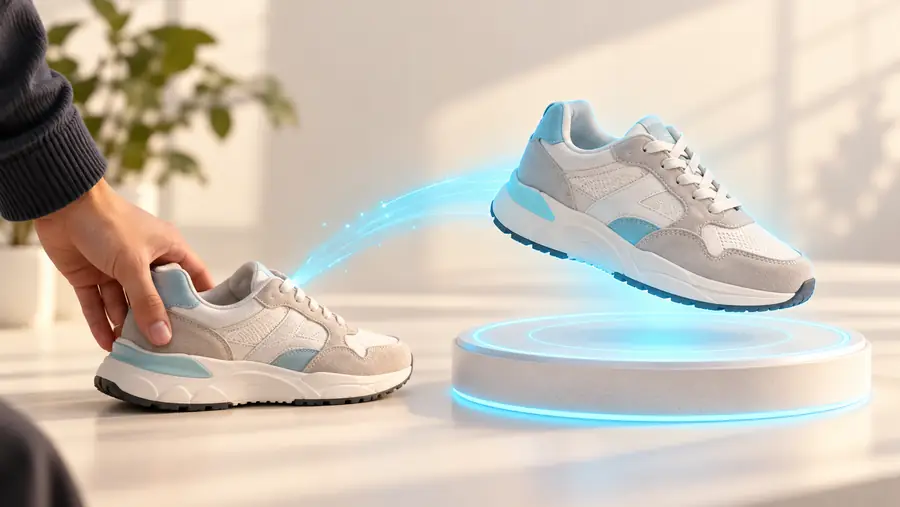
Browser workflow

Explore alpha3d online for your next 3D idea

Working online can make it easier to move from an idea to a 3D draft without beginning in a desktop modeling workspace. Start with a clear subject, then inspect the result before deciding whether it fits your project.

Free to start · no signup
Alpha3d landing-page illustration featuring a 3D subject

What the browser route changes

The value of an online starting point is a shorter path to a first draft, not a guarantee that the draft is ready for every use.

Browser-based starting point Desktop modeling workflow
1

Starting material

Browser-based starting point

A concise description or suitable reference, depending on the destination's available controls.

Desktop modeling workflow

References, measurements, sketches, or existing geometry assembled before modeling.

2

Initial task

Browser-based starting point

Communicate the subject and evaluate an early interpretation.

Desktop modeling workflow

Construct shapes and relationships directly in modeling tools.

3

Control

Browser-based starting point

The available controls depend on the service reached through the link.

Desktop modeling workflow

Geometry, materials, and scene settings can be edited within the chosen application.

4

Best early use

Browser-based starting point

Exploring whether an object concept reads clearly in three dimensions.

Desktop modeling workflow

Building to specified dimensions or a defined production brief.

5

Review needed

Browser-based starting point

Check silhouette, proportions, surfaces, and any obscured areas.

Desktop modeling workflow

Check topology, measurements, materials, and intended delivery requirements.

6

Next decision

Browser-based starting point

Keep exploring, revise the input, or move to a modeling workflow.

Desktop modeling workflow

Refine, validate, and prepare the asset for its intended use.

Three ways to approach a first draft

The strongest starting material depends on whether you need an interpretation, a closer match to references, or a model for a physical object.

Concept designer

You have an object idea but no finished reference image.

Start with a description of one subject, its defining shapes, and the details that matter most. For a broader look at available workflows, read the guide to alpha3d software.

alpha3d software

Product visualizer

You have photographs showing different sides of the same item.

Select views with consistent lighting and an unobstructed outline. The multiple images to 3d model guide explains why additional views help with hidden surfaces.

multiple images to 3d model

Print hobbyist

You want to turn a flat reference into an object you can eventually print.

Treat the first model as a visual draft, then check thickness, closed surfaces, and scale. See 2d to 3d ai for 3d printing for the print-specific checks.

2d to 3d ai for 3d printing
A practical browser workflow

Move from a specific subject to a deliberate review rather than treating the first visible result as a finished asset.

Define one clear subject

Name the object, its main silhouette, and two or three distinguishing features. Avoid mixing several unrelated objects into one request unless their relationship is essential.

Open the creation destination

Follow the action link and check which input methods the destination actually offers. If it accepts a description, use your prepared subject; if it accepts an image, choose a clean reference.

Inspect the draft from several angles

Look for misplaced details, distorted proportions, and surfaces the original view could not show. Revise the input or continue in a modeling tool if the project needs precise edits.

What to prepare—and what to verify

A browser entry point reduces setup, but useful input and a careful review still matter. Available features can vary at the linked destination.

Required

A subject you can describe in one sentence

A specific object gives you a clearer basis for judging the output.

Required

A short list of defining features

Include distinctive shapes, not just a broad category such as furniture or footwear.

Optional

Reference images from more than one angle

Useful when you have them; confirm that the destination accepts images before relying on this approach.

Required

A plan for checking the result

Decide whether you care most about appearance, proportions, editable geometry, or physical production.

Optional

Exact dimensions or manufacturing constraints

Necessary for some downstream projects, but not for exploring a visual concept.

From reference to interpretation

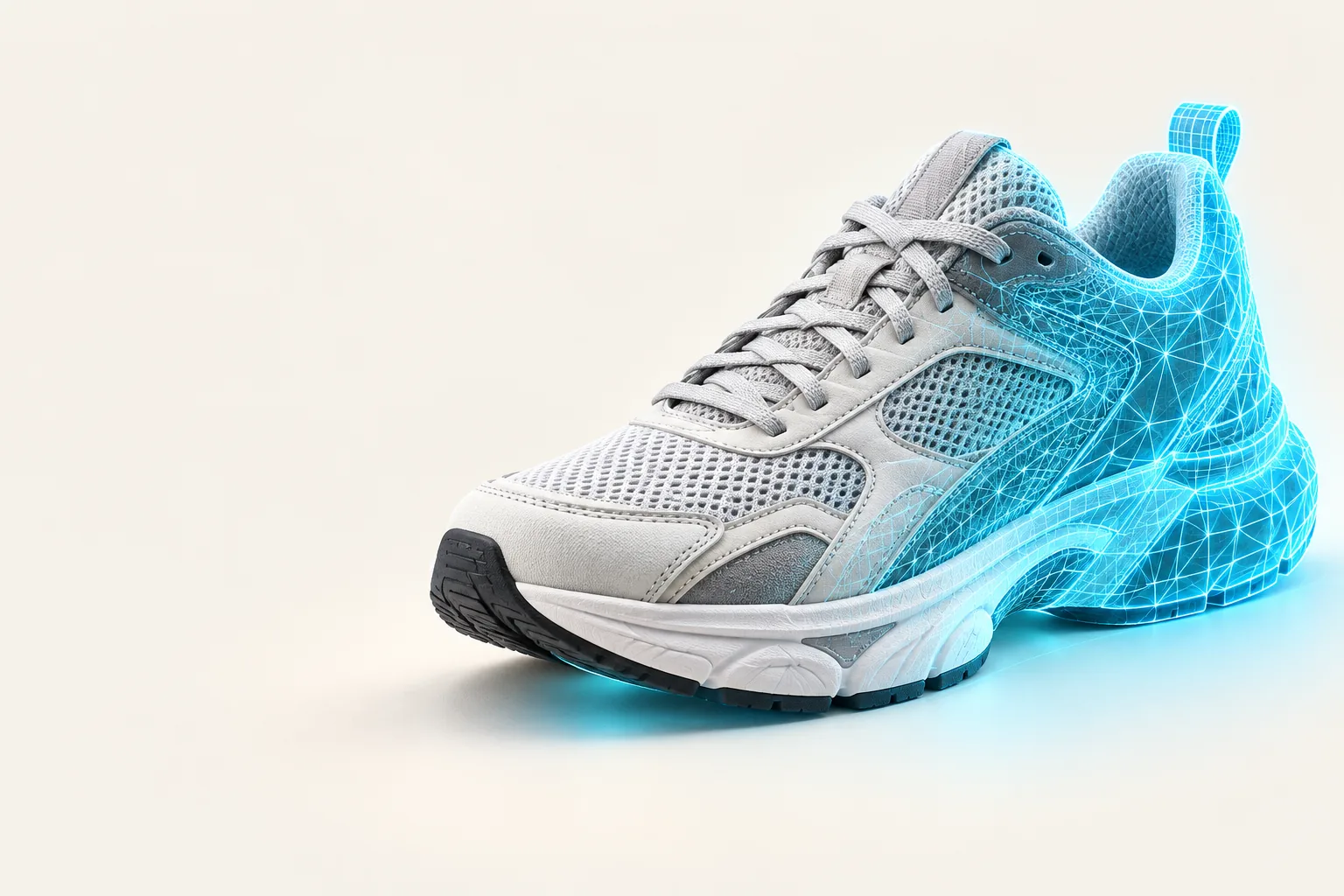
A reference can guide the subject, but an interpreted 3D draft may contain choices that the reference never specified.

Starting reference

Illustrative sneaker reference image
Illustration associated with the browser-based 3D workflow
3D interpretation

Illustrative comparison, not a verified conversion of the left image into the right. When reviewing a real result, pay particular attention to the back, underside, and other areas missing from the starting view.

Take your idea to the next step

Start with a subject you can evaluate

Bring a concise object description or a clean reference to the linked creation destination. Check its available inputs and output options there, then judge the resulting draft against the requirements of your own project.

  • Describe one object clearly
  • Check available input options
  • Review the result before reuse

Questions about using alpha3d online

This page provides a browser-based route to a separate creation destination. Whether you need any additional software depends on what you want to do after making a draft, such as detailed editing or production preparation.

Prepare a clear description of one object and its most recognizable features. If you have reference images, choose ones that show the subject without heavy occlusion, then check whether the destination accepts that input.

A single image cannot show every surface of an object. Inspect unseen areas and small details rather than assuming the draft matches parts of the subject that were never visible.

Do not assume that it is. A printable model may need checks for closed surfaces, adequate wall thickness, scale, and compatibility with your chosen preparation software.

Compare it with the purpose you defined before starting. A draft may be useful for exploring a shape while still needing substantial work before precise visualization, animation, or fabrication.

Start creating
Start creating