1
Primary role
Image set
Provides visual evidence of one object
3D model output
Represents the object as a navigable asset
Multi-view workflow
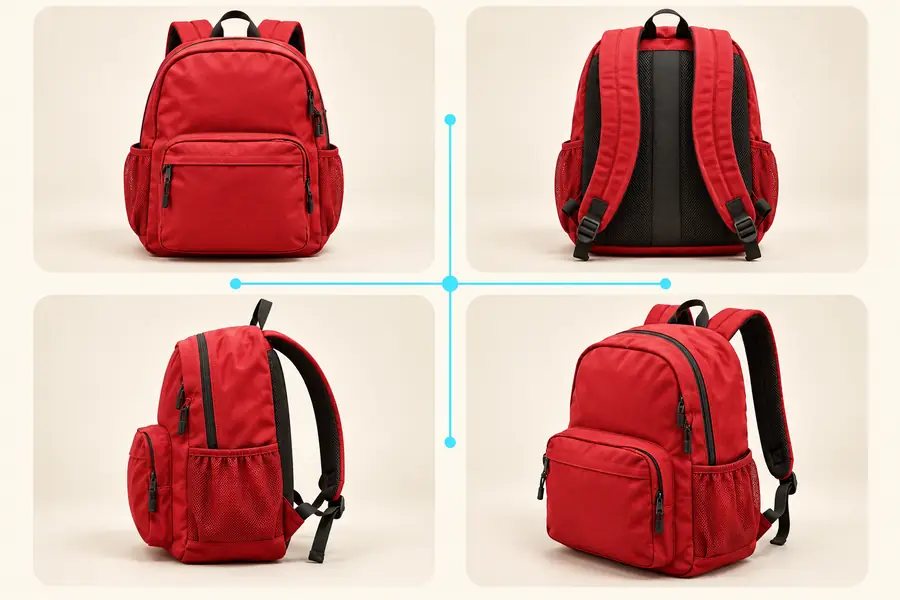
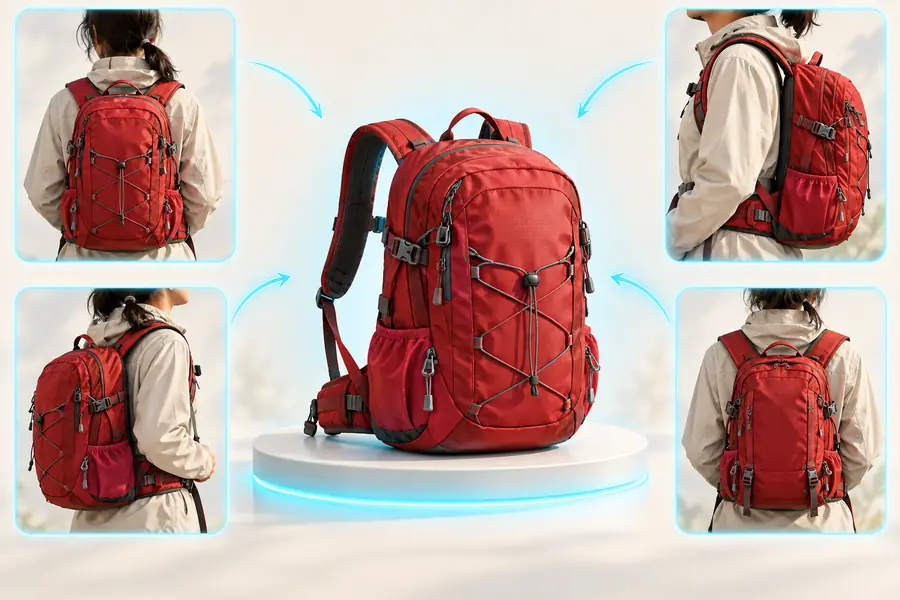
A multiple images to 3d model workflow combines several views of one object so the resulting asset has more visual context than a single reference can provide. Prepare a focused image set, describe the intended result, and hand the request to the generation tool.
Visual comparison
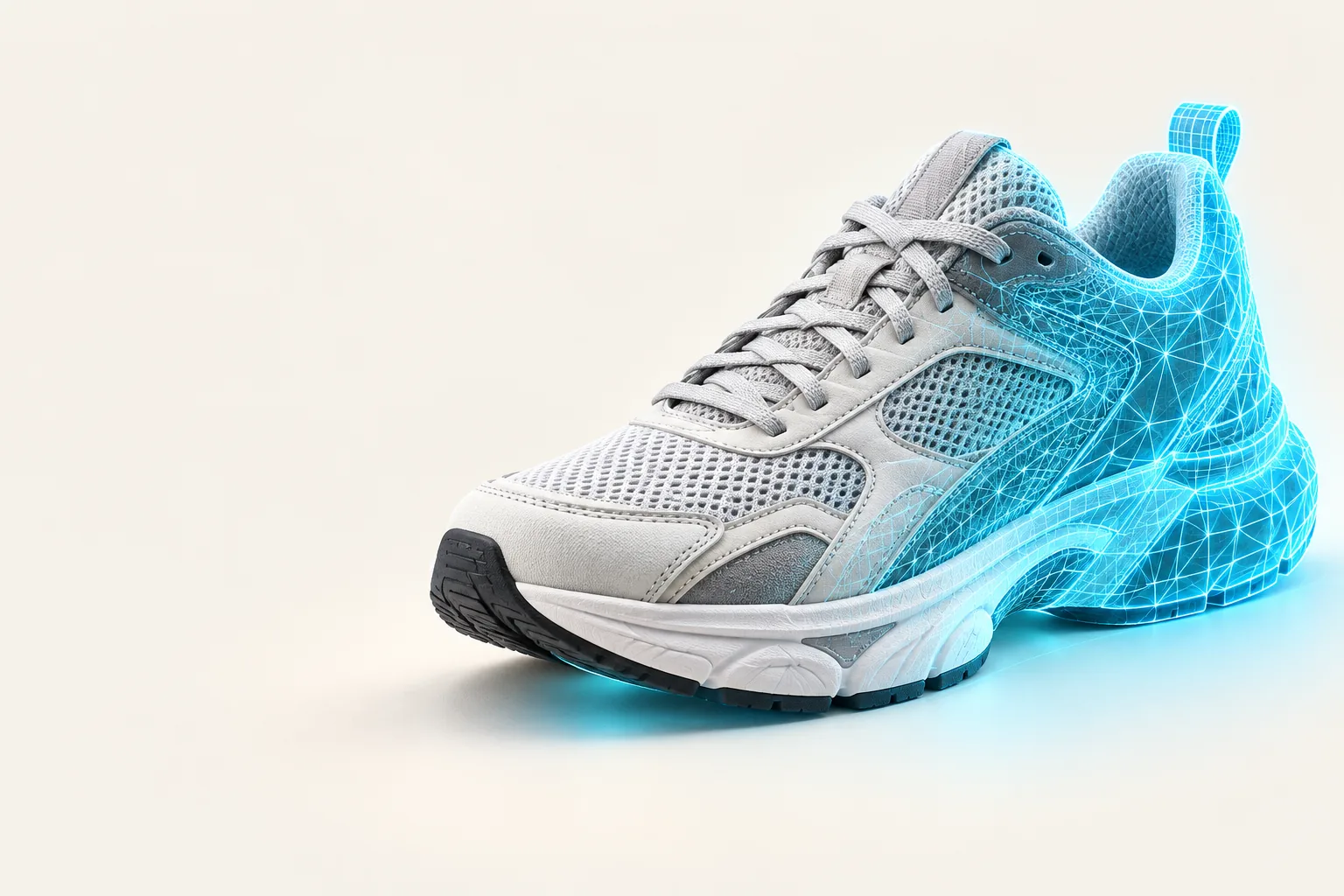
Compare a source view with a generated object preview while keeping the subject and framing aligned.
Drag the divider or use the arrow keys to inspect both views.
Related workflows
The best workflow depends on whether you need a browser-based surface, broader software context, or a print-ready direction.
Explore the browser-focused route for moving from a visual idea to a 3D result.
Review the software angle when you are comparing capabilities, workflow needs, and output expectations.
See how a 2D reference workflow changes when the final goal is a physical printed object.
Input and output
A useful reconstruction depends on the relationship between the references you provide and the object you want to inspect.
Image set
Provides visual evidence of one object
3D model output
Represents the object as a navigable asset
Image set
Can show front, side, rear, and angled details
3D model output
Combines visible cues into one object view
Image set
Captures color, texture, and material cues
3D model output
Carries those cues into a model preview
Image set
Separates silhouette from a single viewpoint
3D model output
Makes the overall form easier to review
Image set
Reference, comparison, and guided reconstruction
3D model output
Concept review, presentation, and iteration
Image set
True
3D model output
false
Practical applications
Different teams can use the same input pattern to reduce ambiguity before a model enters a larger creative or production process.
You have several reference photos of a product form and need a modelable starting point for early design review.
A shared 3D view makes proportions, silhouette, and surface direction easier to discuss.
alpha3d softwareYou want a more complete object representation than a single product photo can communicate.
Multiple angles provide stronger context for a visual asset and help teams spot missing sides earlier.
alpha3d onlineYou are translating a physical reference into a digital object before exploring a print-oriented workflow.
A multi-view starting point gives you something concrete to inspect before preparing the next stage.
2d to 3d ai for 3d printingSimple process
Keep the handoff focused: organize the references, describe the intended object, then inspect the generated result.
Choose images of the same object with enough variation to reveal its silhouette, sides, and important surface details.
State what the object is, which visual qualities matter, and how the image set should guide the reconstruction.
Inspect the model preview for shape, coverage, and visible details, then adjust the references or direction for the next pass.
Output examples
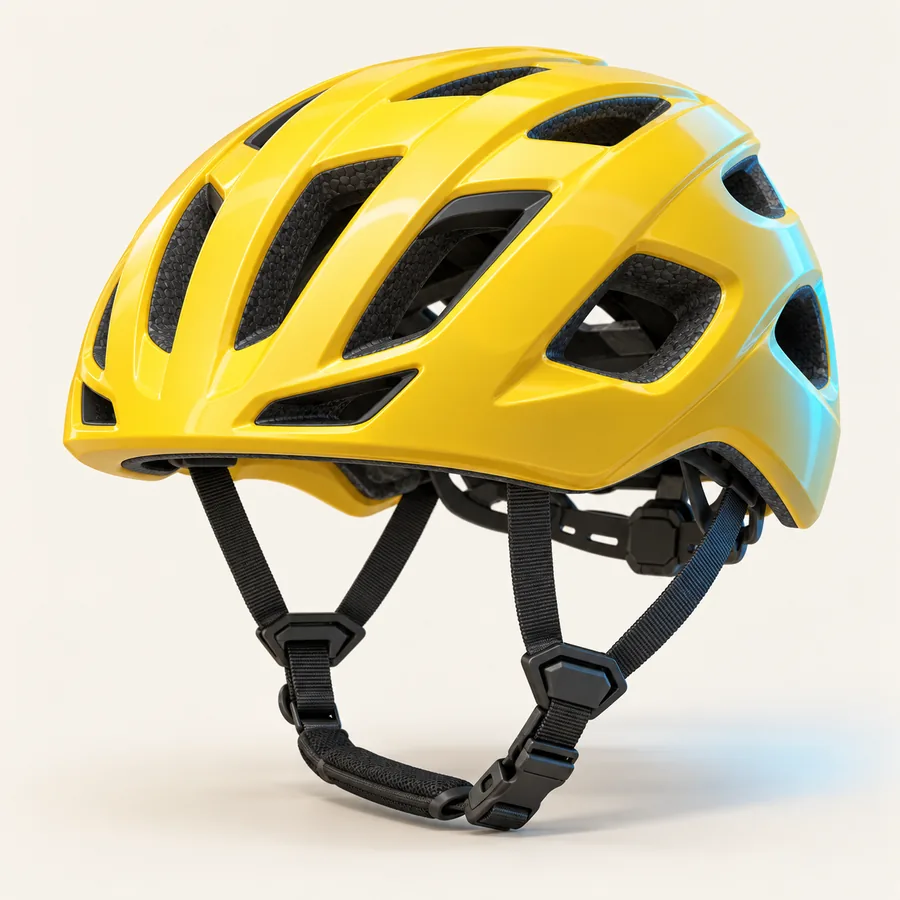
These examples show how different object categories can become clear visual starting points when the input describes the subject and its intended form.
 Home object
 Prop concept
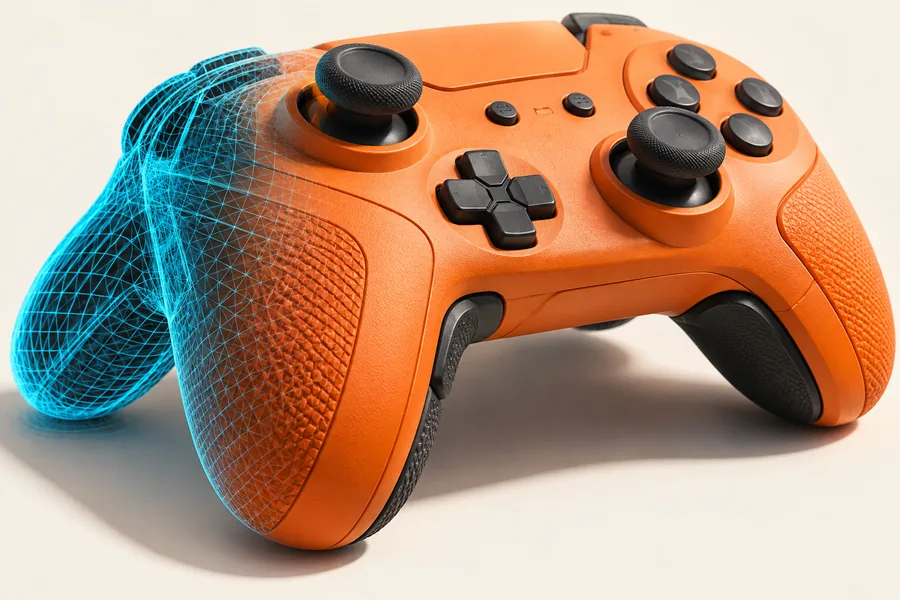 Product form
Ready to try
Bring a focused set of references into a 3D workflow and use the resulting preview to test ideas, communicate shape, and plan the next refinement.
Variant FAQ
Multiple images provide more visual evidence than one view, especially for the sides, rear, silhouette, and surface details of an object. That broader context can make the resulting model preview easier to review.
Use clear images of the same object from different angles, with the subject visible and important features easy to distinguish. Consistent lighting and limited background clutter can make the references easier to interpret.
A generated result is best treated as a starting point for inspection, communication, and refinement. Depending on the object and the references, additional cleanup or editing may still be needed before production use.
Name the object, identify the details that must remain recognizable, and explain the visual result you want to inspect. Mentioning material, shape, or intended use can make the request more focused.