3D workflow

How to approach alpha3d software

If you are exploring alpha3d software, begin with a clear subject image and a specific purpose for the model. This guide separates the choices you can make before generation from the checks you still need to perform afterward.

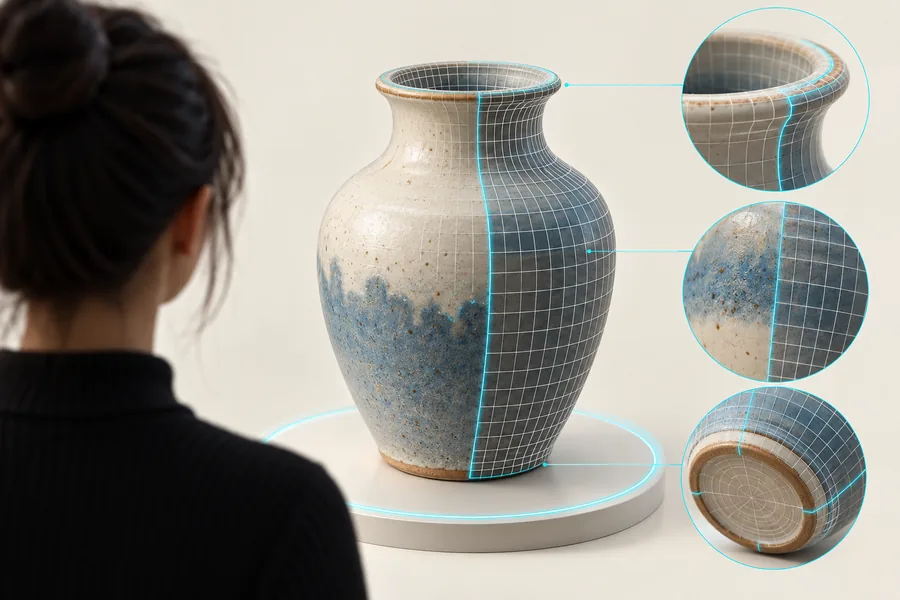
Alpha3d landing-page illustration for a 3D creation workflow

Prerequisites

Decide what the model needs to communicate before choosing an input. A reference that looks good in two dimensions may leave important 3D surfaces undefined.

Product designer

You have photographs of an object from several angles and want a concept that accounts for more than its front face.

Gather consistent views of the same object, then decide whether a multi-view workflow suits the material you have.

multiple images to 3d model

3D printing hobbyist

You want to turn a drawing or product photo into a physical object rather than a screen-only preview.

Plan for a separate mesh inspection: visible shape alone does not establish wall thickness, scale, or printability.

2d to 3d ai for 3d printing

Visual content creator

You need a quick way to explore how an object might read from different viewing angles.

Start with a simple silhouette and assess the resulting concept before committing time to detailed cleanup.

alpha3d online

One full run-through

Use a single object as a test case, from reference selection through a review of the shape.

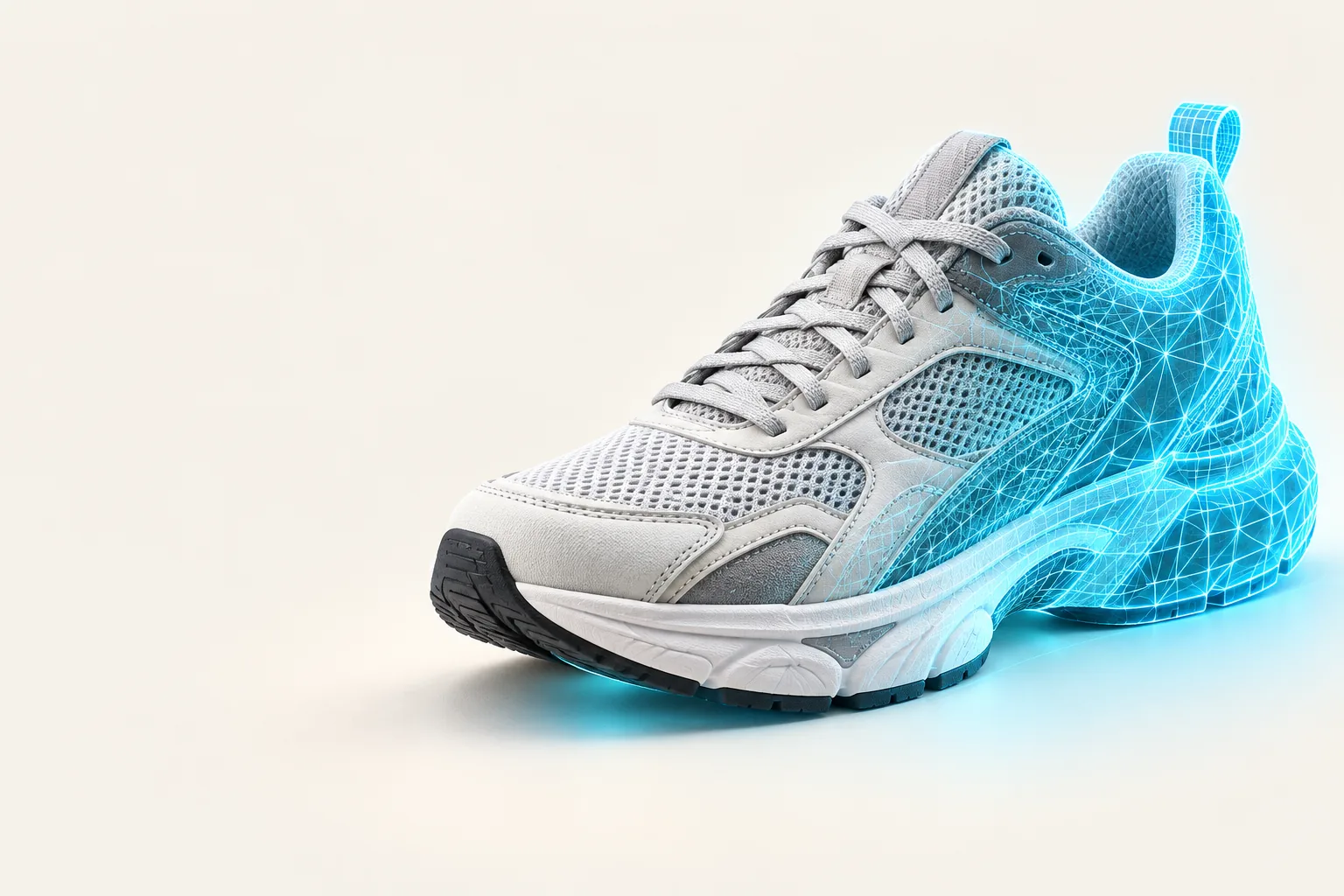
Alpha3d feature illustration accompanying reference-image preparation

01

Start with an unambiguous reference

Suppose you want a 3D concept of a desk lamp. Choose an image that shows the shade, stem, and base without another object crossing their outlines. A plain background makes the silhouette easier to judge. Before using Alpha3d or another creation tool, note what the image cannot show: the rear of the shade, its interior, and the underside of the base will need interpretation.

  • Keep the whole object inside the frame.
  • Prefer clear edges over dramatic shadows.
  • List the surfaces missing from the view.
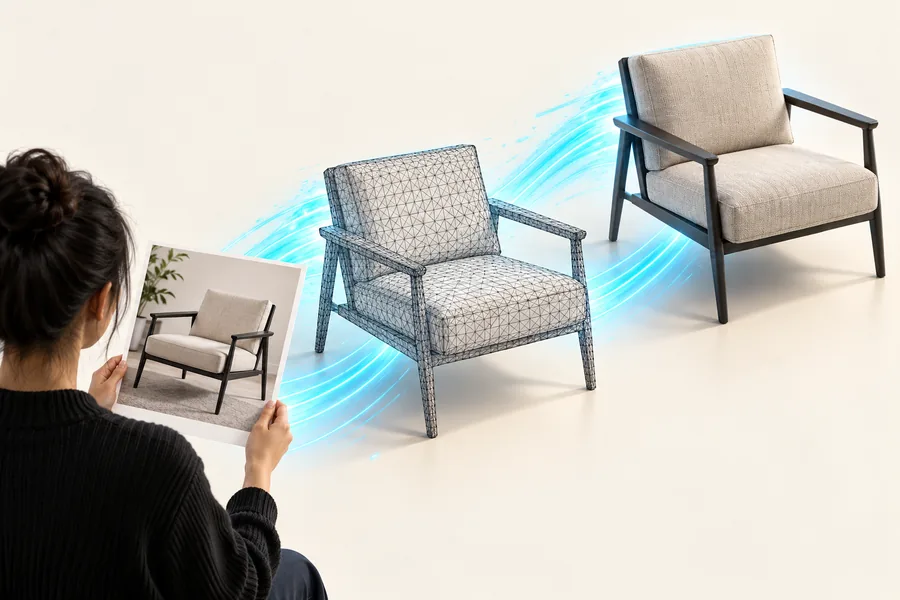
Alpha3d feature illustration accompanying 3D model review

02

Review the result as a model, not a picture

After creating a draft, rotate it and compare its major proportions with the source. Look at the lamp from behind and below; those are the views most likely to reveal guessed geometry. If the silhouette works but small parts do not, keep the concept for visual exploration and plan a separate editing pass. Do not treat an appealing preview as proof that the mesh is ready for animation, manufacturing, or printing.

  • Check proportions from several angles.
  • Inspect thin parts and hidden surfaces.
  • Test the file in the software required for its final use.

Options table

Match the source material to the job. These are workflow choices, not a claim that every input type is available in one interface.

Single image

Best for exploring a recognizable concept when you have one clear reference. Expect unseen surfaces to be inferred; inspect the back, base, and small attachments before reuse.

Several views

Useful when front, side, and rear details matter. Keep lighting and the object's configuration consistent across views, and confirm that your chosen tool accepts multiple images before preparing a set.

Manual modeling

Prefer a conventional modeling workflow when exact dimensions, topology, or assembly are requirements. An Alpha3d concept may inform the design, but it does not replace measured construction.
What fails

The common failures come from missing information in the source or from assuming a visual result meets a technical specification.

Hidden geometry is uncertain

A single photograph cannot establish the exact shape of a surface it never shows. An attractive front view may conceal an inaccurate back.

WorkaroundSupply clearer views when the workflow supports them, or edit the unseen surfaces in a 3D modeling application.

Fine details may not survive

Thin straps, wires, transparent parts, and intricate cutouts can be difficult to judge from a small or cluttered source image.

WorkaroundUse a larger, sharply focused reference and budget time to rebuild critical details by hand.

A preview is not a production check

The visible shape does not establish clean topology, reliable dimensions, watertight geometry, or compatibility with a particular downstream tool.

WorkaroundOpen the resulting file in the application you intend to use and run its relevant inspection or validation checks.

A source image may not be yours to reuse

Turning a reference into a new medium does not resolve ownership or licensing questions about the original image or depicted design.

WorkaroundUse your own material or verify that you have permission for the intended use.

Put the workflow to work

Start with one clear object

Choose a reference you can evaluate from several angles, then use the resulting concept to decide what needs revision. Alpha3d is most useful in this workflow when you keep visual exploration separate from technical validation.

  • Begin with a clear silhouette
  • Check the surfaces the source does not show
  • Validate the model for its intended use

FAQ

It is relevant to workflows that explore 3D models from visual references. The right workflow depends on whether you need a concept to review or a model that meets specific production requirements.

You can begin by checking whether the silhouette and proportions match your reference. For printing, animation, or measured design, you may also need someone familiar with mesh inspection and editing.

No. A photo records the visible view, so hidden surfaces must be inferred or supplied through other references. Rotate any resulting model to see where that missing information matters.

Not necessarily. A model can look convincing on screen while lacking the dimensions, wall thickness, or closed geometry needed for a print. Check it in appropriate modeling and slicing software before printing.

Start creating
Start creating