Prepare a reference
Choose a clear image or visual direction that shows the subject, its important surfaces, and the intended shape.
Definition guide
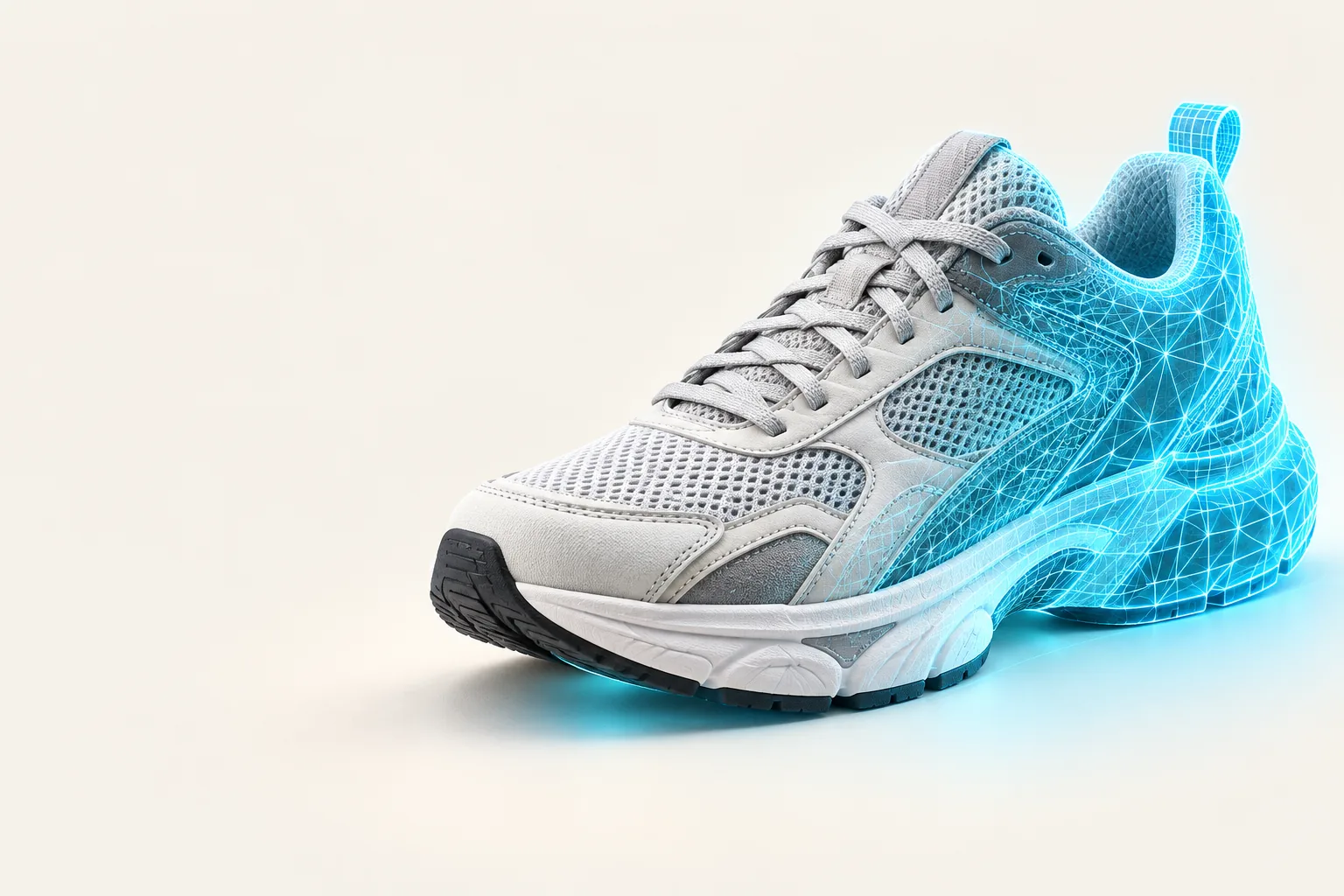
What is alpha3d app? Alpha3d is an AI-powered 3D creation tool that helps turn visual references into three-dimensional model concepts. This guide explains its role, workflow, strengths, and practical limits.
Quick answer
Here is the short version before the deeper explanation.
Visual overview
The app’s value is easiest to understand as a change from a flat visual reference to a usable 3D starting point.
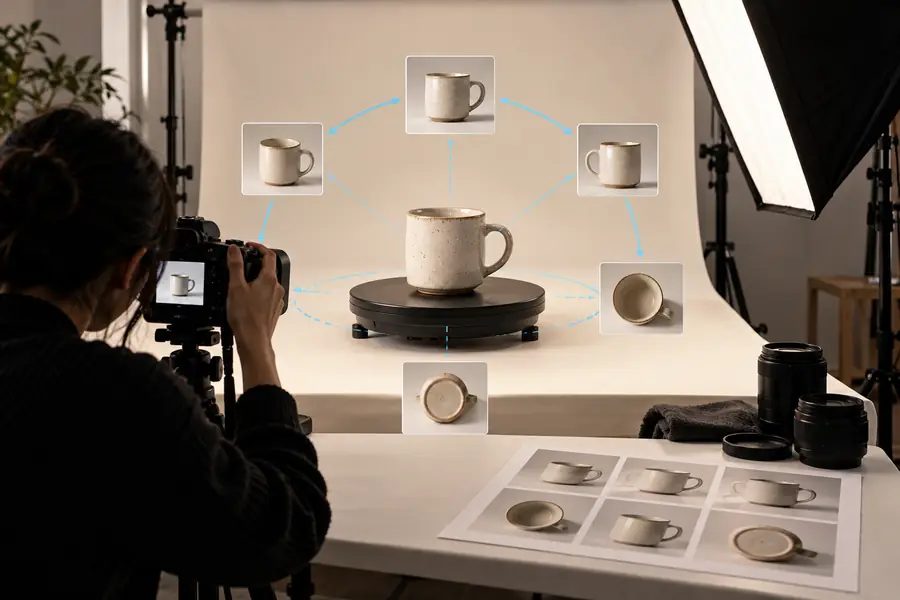

AI creates a starting point, not a final guarantee.
Choose by goal
Alpha3d is most useful when the cost of making a first 3D concept manually is higher than the cost of reviewing and refining an AI-generated starting point.
1
Choose Alpha3d for an early model direction.
It can shorten the gap between a reference and a shareable 3D idea.
2
Use a dedicated CAD or modeling workflow after the concept stage.
Precise dimensions, tolerances, topology, and fabrication checks need specialist tools and human review.
3
Improve the input before relying on the output.
The app can interpret a reference, but it cannot recover every missing design decision.
Workflow
The typical process moves from visual input to AI interpretation and then to human review.
Choose a clear image or visual direction that shows the subject, its important surfaces, and the intended shape.
Alpha3d analyzes the visual information and produces a 3D model concept from the reference rather than requiring every form to be built manually.
Inspect the result, identify missing details or unwanted geometry, and continue in the appropriate modeling or production workflow.
Know the limits
Understanding the boundaries of the app helps you judge its output fairly and choose the right next step.
A single image may not reveal the back, underside, internal structure, or exact depth of an object.
WorkaroundProvide stronger visual references and inspect the model from multiple angles.
An AI-generated concept may need cleanup before animation, engineering, 3D printing, or commercial delivery.
WorkaroundUse a 3D specialist or a dedicated modeling tool for topology, dimensions, and final validation.
The output reflects the reference and the system’s interpretation, so the first result may not match the intended style or proportions.
WorkaroundTreat the result as a starting point and compare it against a defined brief.
Before you begin
A few simple preparations make an Alpha3d workflow easier to evaluate.
Avoid severe blur, heavy occlusion, or a subject hidden in a busy scene.
Decide whether you need a concept, a visual asset, a printable object, or a modeling starting point.
Plan to inspect proportions, surfaces, and details rather than accepting the first result automatically.
Optional for exploration, but important when the model must meet technical or production requirements.
Where it helps
Alpha3d is best understood as a front-end accelerator for 3D ideation. Its value changes slightly depending on who is using it.
 Concept work
01
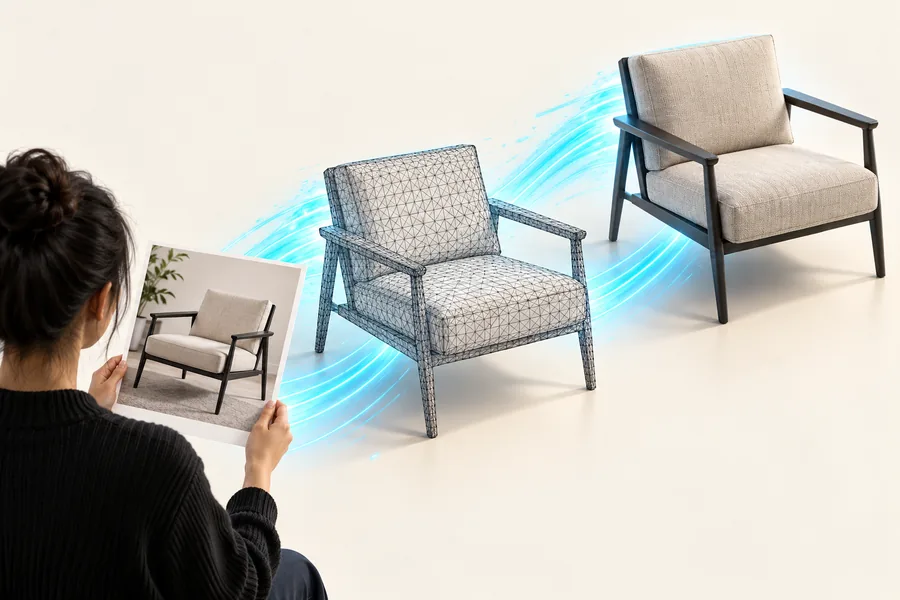
Alpha3d can turn a visual direction into a tangible 3D concept earlier in the discussion. That makes it easier to compare forms, communicate an idea, and decide which direction deserves manual refinement.
 Accessible start
02
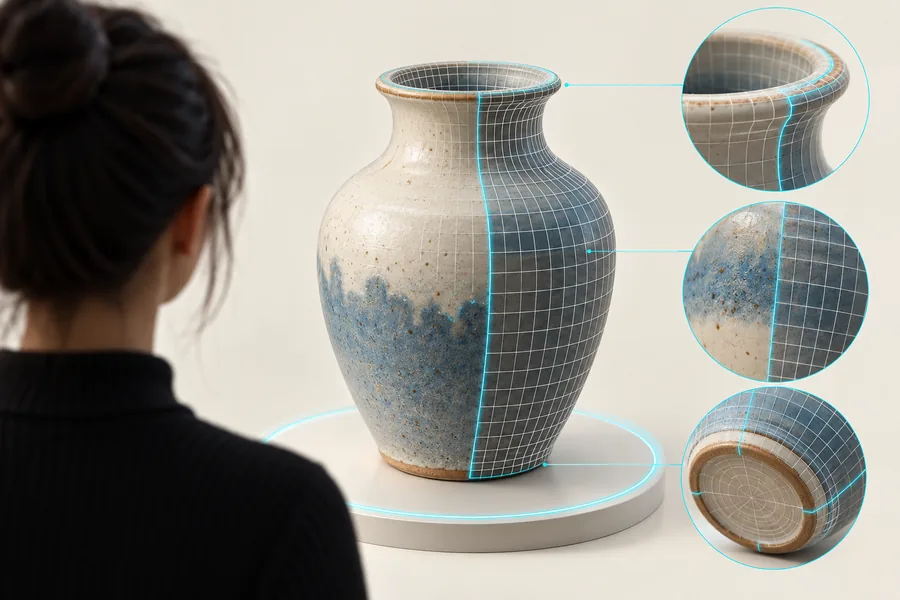
The app can provide a practical starting point when building a model from scratch feels difficult. It does not remove the need to learn review and editing skills, but it can make the first step less intimidating.
Next step
If you have a visual reference and a clear reason for making a 3D concept, Alpha3d can be a useful place to begin. Use the result as an informed starting point, then apply the review and refinement your project requires.
Common questions
These answers summarize the practical meaning of the query and the most important expectations to set.
The Alpha3d app is used to help create 3D model concepts from visual references. It is especially useful for early design exploration, product ideation, visual communication, and giving beginners a starting point for 3D work.
No. Alpha3d can accelerate the first concept, but it does not replace every modeling, CAD, sculpting, cleanup, or validation task. Production work may still require specialist software and human review.
It works best with a clear visual reference and a defined goal for the model. Images that show the subject clearly give the system more useful information than blurry, obstructed, or highly ambiguous references.
Designers, product teams, creators, developers, sellers, and people learning 3D can all use Alpha3d for different reasons. The strongest fit is someone who wants to move from a visual idea to a reviewable 3D starting point.
You should not assume that a single image will produce a perfect model. One view cannot fully describe hidden surfaces, internal construction, exact measurements, or every material detail, so inspection and refinement remain important.